


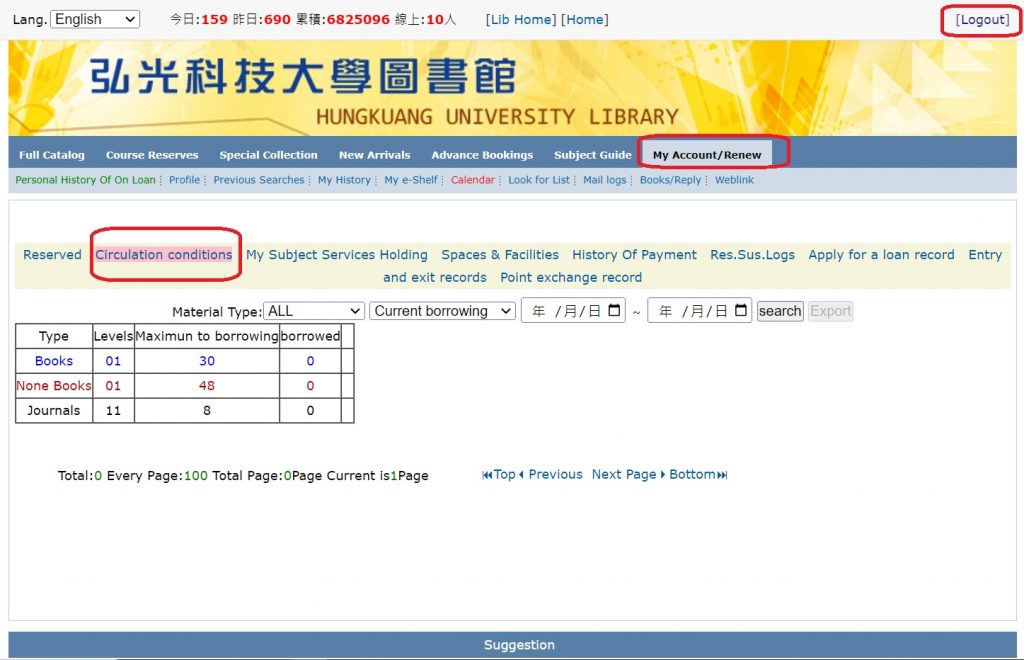
Logging into your personal library account allows you to view your current borrowing information 、renewing books、reserving books、 and checking or canceling the status of reserved books.
–
▼My Library Account-MB3 APP▼
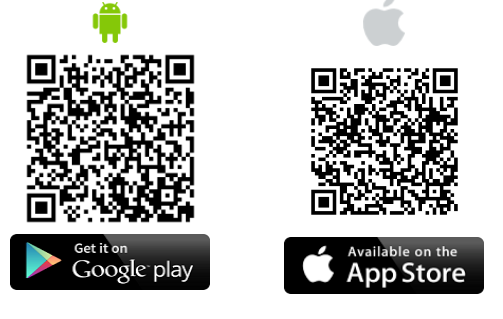
▼Start using ▼
Step 1: Search “MB3” on the Apple App Store or Google Play to download the app.
Step 2: Choose ”弘光科技大學圖書館 HUNGKUANG university Library”.
Step 3: Login by your User ID and password. (HUNGKUANG University, Staff and Students only)
Step 4: enjoy it !
–
–
▼With MB3 APP, you can ▼
●enter our library by QR Code or barcode.
●borrow books by yourself.
●view and renew your checked-out items.